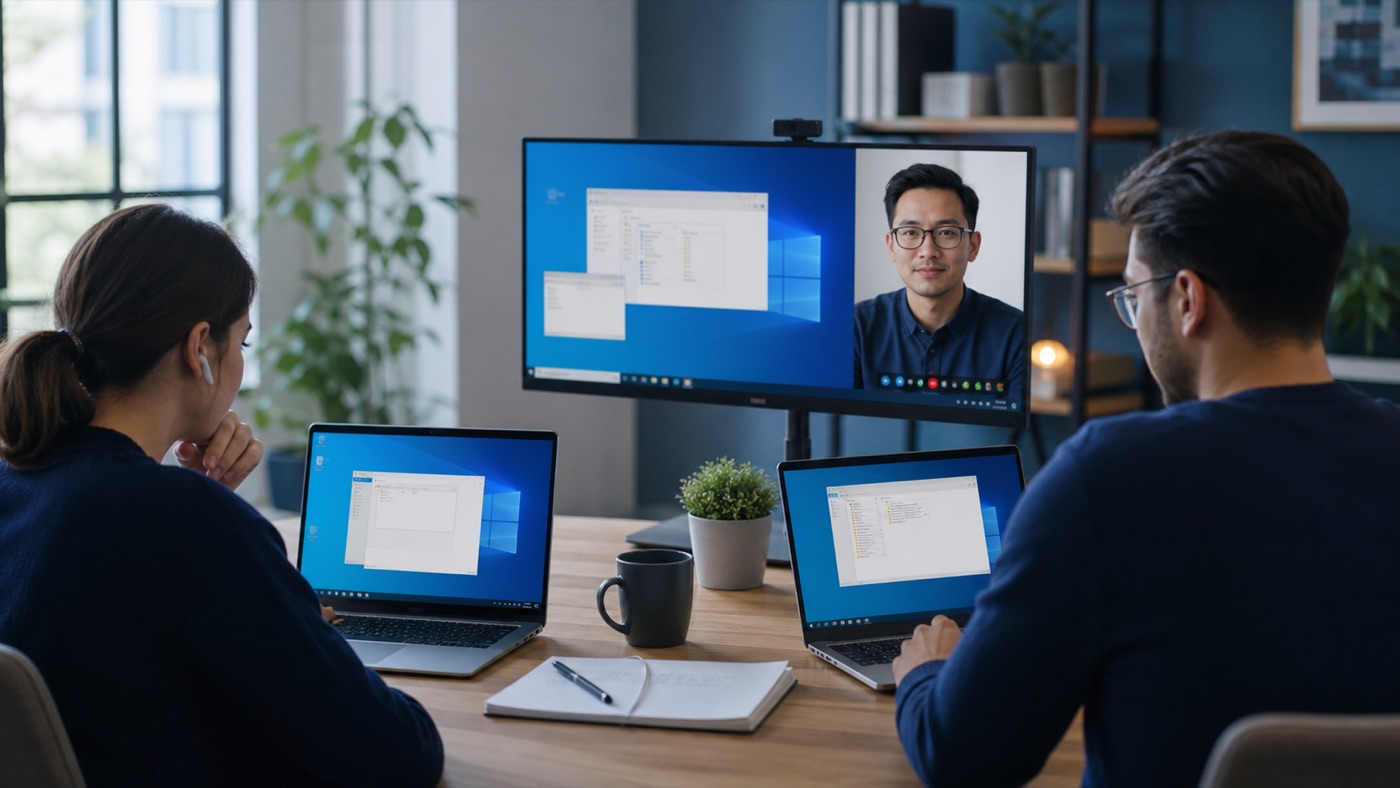
An RDP server gives a team one familiar Windows workspace without requiring everyone to sit in the same building. The accounting application, files and database stay close together on the server; staff transmit screen updates, keyboard input and mouse movements. That simple model can work extremely well, provided the environment is designed around real users rather than a quick technical demo.
Remote Desktop is most successful when connection design, identity, licensing and user habits are considered together. Solving only the visible technical step usually leaves the next operational problem waiting.
What the server is really providing
Remote Desktop Protocol is the connection method. The business service is a managed Windows session with access to approved applications and data. Multiple users normally require Remote Desktop Services, individual accounts and appropriate licensing. Treat the server as a shared workplace: decide who may enter, what they can see and who looks after the space.
Start with the busiest working hour
Count simultaneous users, not names on the staff list. Note which applications they open together and which reports create peaks. CPU supports concurrent work, memory keeps sessions responsive and low-latency storage helps profiles and databases. Leave measured headroom, but avoid buying a large machine before understanding the workload.
Make connection boring
Users should have a documented shortcut, multi-factor protection through the chosen gateway or VPN and a clear way to ask for help. Test from home broadband and mobile connections. A short onboarding note explaining sign-in, sign-out and password changes prevents many recurring support calls.
A practical checklist
- Create a named account for every user
- Confirm the RDS licensing model
- Protect access with MFA and network controls
- Monitor logins, memory and storage latency
The practical conclusion
A good RDP server becomes ordinary infrastructure. People connect, open the application and forget where it runs. That quiet experience comes from sensible sizing, clear licensing and a routine for updates, backups and access reviews.
If you need a managed environment for this workload, NetCloud24 Windows VPS combines modern infrastructure with support for business Remote Desktop use. Describe the application and user count before choosing a plan.
← Back to all articles