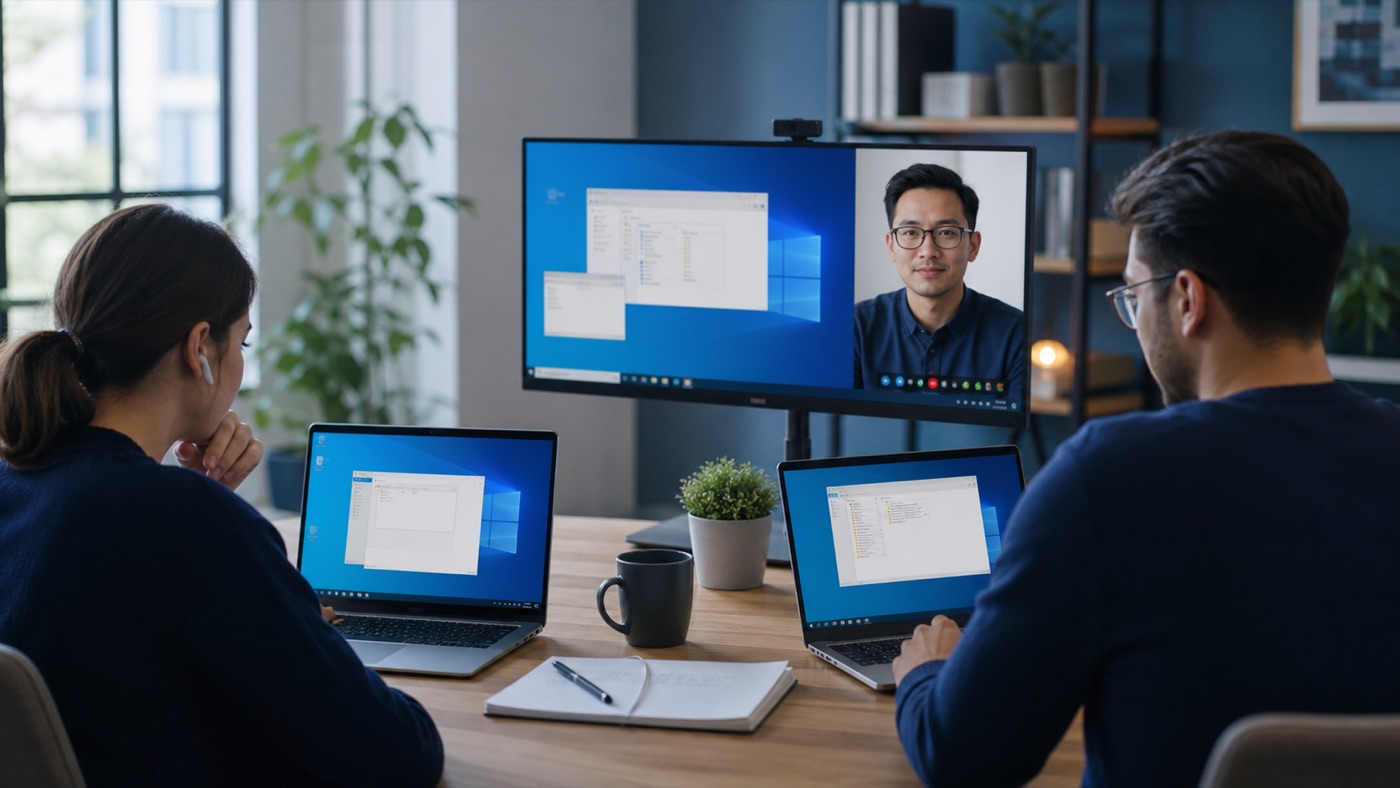
A second user is not just another password. Multi-user Remote Desktop changes licensing, resource planning, application behaviour and support. A little design before onboarding avoids the common situation where a successful two-person test becomes an unreliable ten-person service.
Remote Desktop is most successful when connection design, identity, licensing and user habits are considered together. Solving only the visible technical step usually leaves the next operational problem waiting.
Separate administration from daily work
The two administrative Remote Desktop connections available for server management are not a multi-user business deployment. Staff running applications need a configured Remote Desktop Session Host environment and the appropriate access licences.
Check whether the application supports sessions
Some desktop software stores settings in a shared folder, binds to one user or forbids server use under its licence. Ask the vendor about Windows Server, concurrent sessions and database placement. Test printing, updates and integrations with ordinary user permissions.
Design profiles and shared data
Decide which settings follow each user and which folders are common. Keep large downloads away from profile storage, set session timeouts and teach users to sign out. Monitor memory per session so growth is based on evidence.
A practical checklist
- Confirm application and Microsoft licensing
- Build individual non-admin accounts
- Test the complete workflow with two simultaneous users
- Set profile, storage and session policies
The practical conclusion
Multi-user RDP works best when the server is treated as a workplace with capacity, house rules and named ownership. Add users only after those foundations are clear.
If you need a managed environment for this workload, NetCloud24 Windows VPS combines modern infrastructure with support for business Remote Desktop use. Describe the application and user count before choosing a plan.
← Back to all articles