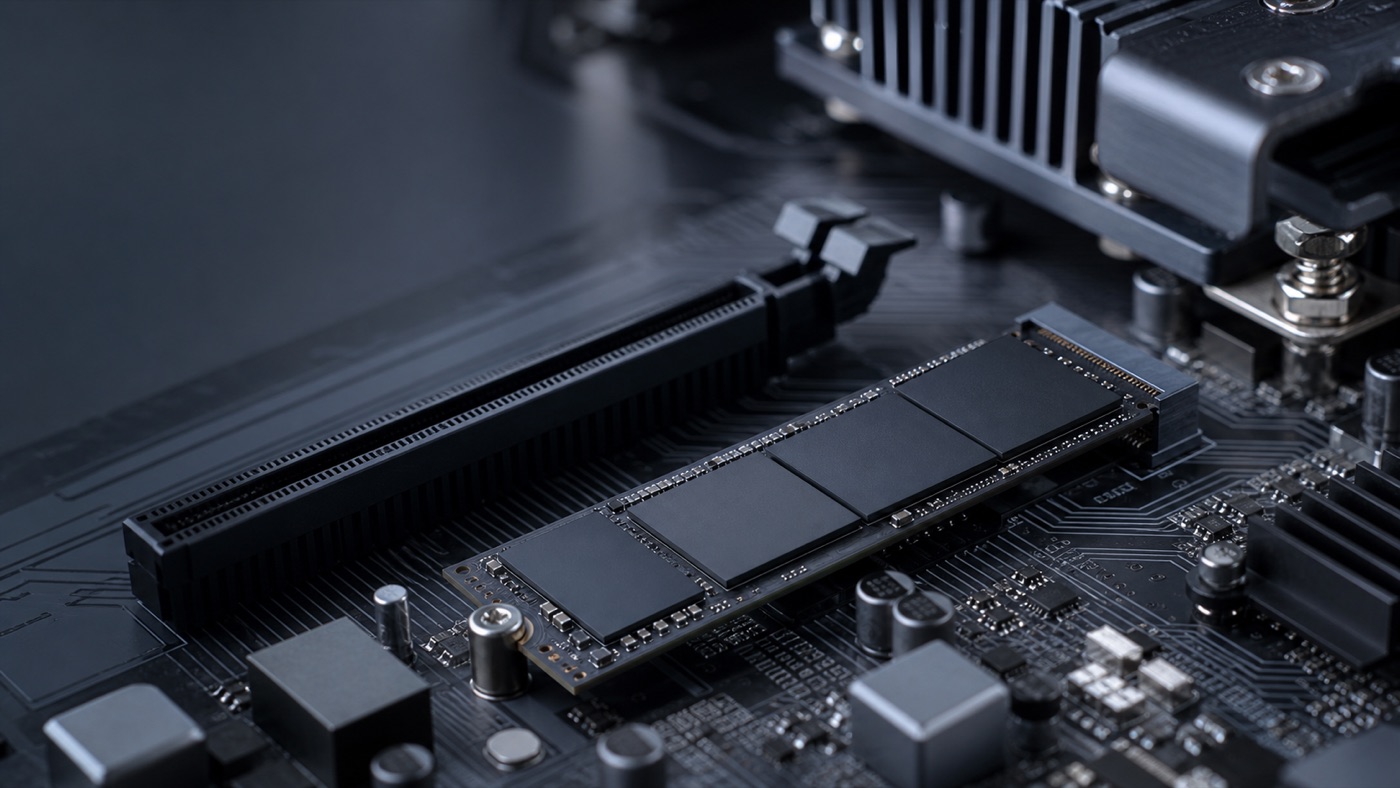
NVMe hosting uses solid-state storage that communicates over PCI Express rather than through an interface designed in the era of spinning disks. The technical result is lower latency and many more input/output operations per second. The human result can be a site or application that feels more immediate.
It is not magic, and it does not make every workload equally faster. Understanding the difference helps you spend money where users will notice it.
Latency matters more than a giant speed number
Hosting pages often advertise sequential throughput: how quickly a large continuous file can move. Websites and databases frequently ask for thousands of small pieces scattered across storage. The delay before each request completes—latency—becomes critical.
NVMe is designed to handle many queues and commands in parallel. When several customers browse a shop or staff query a database at once, that parallelism prevents storage from becoming a narrow doorway.
Workloads that benefit most
Database-backed websites
WordPress, WooCommerce and other content systems read settings, sessions and records on each request. Caching reduces this work, but a fast storage layer helps cache misses, administration and background tasks.
Business databases
SQL Server writes transaction logs and reads many small data pages. Lower storage latency can shorten queries and reduce the time a user waits after clicking “save”. Correct indexing and enough memory remain essential.
Busy multi-user systems
One person opening a file may not expose a storage limit. Twenty people signing in, loading profiles and starting an ERP application at 9:00 can. NVMe handles concurrent requests far more gracefully than older shared storage.
Backups and deployments
Archives, dependency installation and local backup staging involve many files. Faster storage can shorten maintenance windows, although network speed and destination storage may still cap the result.
Where NVMe will not rescue the application
If the CPU is saturated, memory is exhausted or a query scans millions of unnecessary rows, replacing storage will not fix the underlying problem. A slow external API also remains slow. Measure CPU, memory and storage wait together before drawing a conclusion.
Shared hosting still needs good management
An NVMe label describes the drive technology, not the whole platform. Oversold CPU, insufficient RAM or poorly designed storage redundancy can undermine it. Ask whether the host monitors hardware, keeps backups separate and limits noisy neighbours.
For critical data, redundancy is as important as speed. A fast single device is not a recovery plan. NetCloud24 combines NVMe-based performance with a business-focused Windows platform and backup options.
How to judge the improvement
Record application response times before migration. Choose a few actions users understand: opening a customer record, generating a report, publishing a page and completing checkout. Retest under similar load afterward.
Do not expect every number to fall by the same percentage. The useful question is whether the frustrating waits are shorter and the system remains consistent during busy periods.
NVMe is now a sensible default for active websites and business systems. Its value is not bragging rights. It is the small amount of time returned every time a person or application asks storage to respond.
← Back to all articles